For most small and medium-sized businesses, internet connectivity is no longer just an IT consideration. It is fundamental to how the business operates day to day. From cloud applications and video calls to online sales and cybersecurity, a reliable connection underpins almost everything.On this pageThe Push for Gigabit… Read More
In today’s fast-paced and interconnected business landscape, having a reliable and high-performance internet connection is crucial for the success of any enterprise. One of the options available to businesses is a leased line – a dedicated and private connection that offers several advantages over traditional broadband connections. In this… Read More
The holidays are here; twinkling lights, festive movies, video calls with family… and of course, WiFi complaints. From blaming the Christmas tree to fearing Santa might steal your bandwidth, there are plenty of myths flying around this time of year. Let’s bust some of the most common Christmas WiFi… Read More
Is CityFibre Multi-Gig Worth It for Your Home?
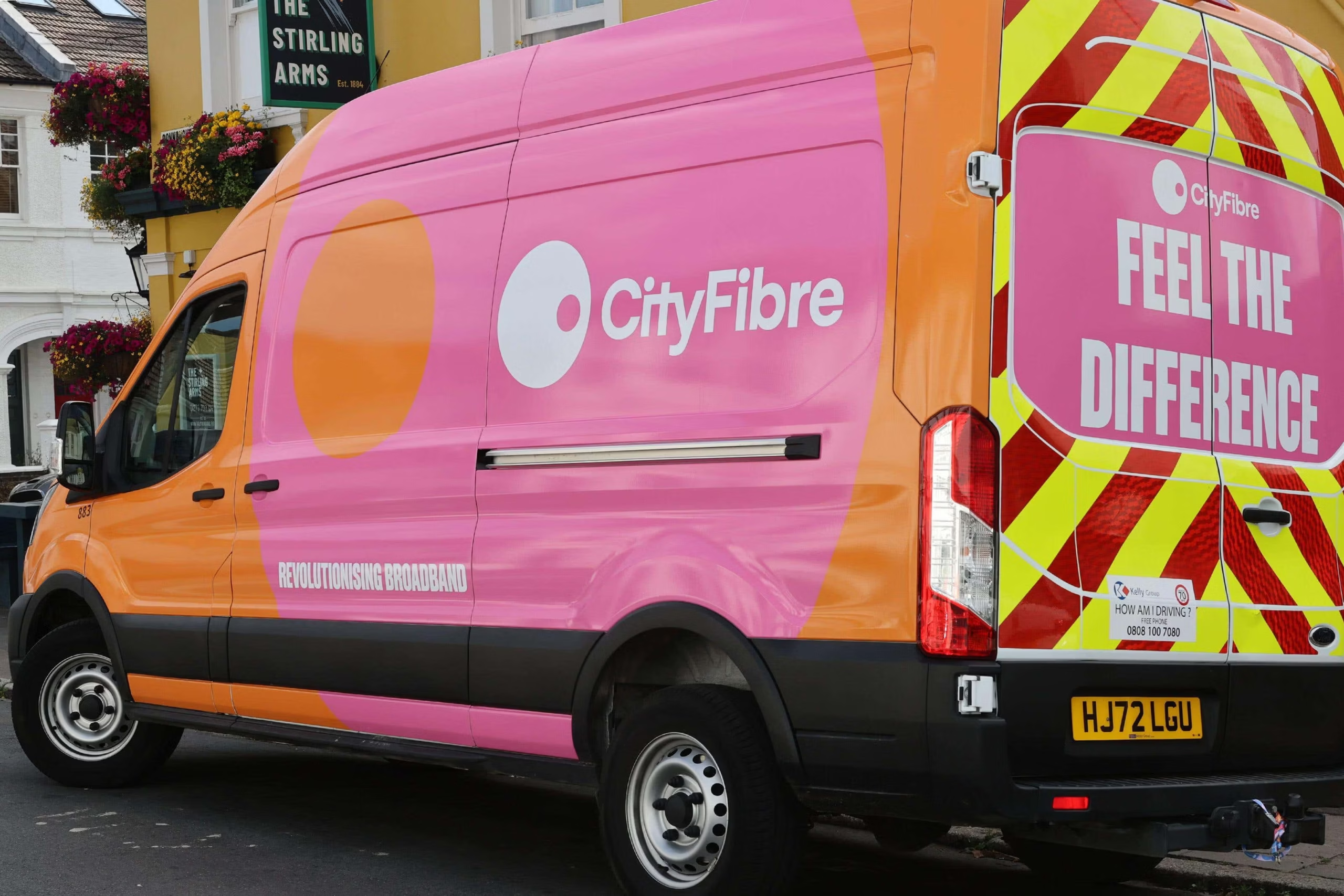
CityFibre multi-gig broadband can be worthwhile if you regularly move large files or several people put heavy demands on the connection at once. It is less likely to change your experience if ordinary browsing, streaming and video calls already work well. The useful question is what a faster package would actually improve in your home.
Multi-gig means a connection above one gigabit per second. For current Exascale options, prices and availability, visit our CityFibre broadband page. For speed units and measurements, use the CityFibre speeds guide.
Start with the problem you want to solve
A slow game download, a long cloud backup and poor Wi-Fi in a bedroom are different problems. More incoming bandwidth may help the first two, provided the remote service and your equipment can keep up. It may do very little for the third.
Before upgrading, compare a wired connection with your usual Wi-Fi connection and note when slowdowns happen. If performance is good near the router but poor elsewhere, improving coverage may be the better use of your budget.
When a multi-gig upgrade can make sense
Frequent large transfers: video projects, software images and other substantial files can make higher throughput useful. Check whether the service you transfer to or from can sustain the faster rate; a remote server or storage drive can be the limiting factor.
Several demanding users: simultaneous downloads, backups and large work transfers can compete for capacity. Extra headroom can help when the existing connection is regularly saturated, even if an individual device does not use the full headline speed.
Time-sensitive uploads: check the package’s upload speed if you send large files or back up substantial amounts of data. A high download figure alone does not answer that requirement.
When a smaller package may be enough
If your household mainly browses, streams and makes video calls without congestion, moving to multi-gig may produce little noticeable benefit. Connected lights, thermostats and similar devices do not, by themselves, justify a multi-gig connection.
Gaming also needs a distinction: faster broadband can reduce a large download’s waiting time, but it does not automatically reduce game-server latency. Wi-Fi interference, routing and the remote server still matter.
Include equipment in the upgrade cost
The package is only one part of the cost. To exceed 1Gbps on one device, the router, relevant network ports and client connection all need suitable capacity. A household can still share a faster connection across several devices, but an older router may limit aggregate throughput too.
Use our multi-gig equipment checklist to assess the hardware before buying. If you plan to supply your own router, check Exascale’s compatibility requirements as well.
A practical decision checklist
Ask yourself: what task is too slow today; how often does it happen; is the broadband line actually the bottleneck; can the equipment and remote service use a faster connection; and does the time saved justify the total monthly and hardware cost?
If you cannot identify a regular bottleneck, choose a package that comfortably meets today’s usage and review it when your needs change. If heavy transfers are a daily part of your work, the upgrade may have a clearer practical value.
Compare the options available at your address
Availability and retail packages vary. Check the current Exascale CityFibre packages rather than using historical launch prices, and compare the full contract cost before ordering.